
Introduction: Why Most Breaches Happen (Hint: It’s Not Zero-Days)

When people think about cyber attacks, they often imagine elite hackers using advanced zero-day exploits and secret tools.
In reality, most successful breaches happen for a much simpler reason:
Basic defensive security mistakes.
Attackers don’t break in—they log in, move quietly, and stay undetected because defenders lack visibility, planning, or discipline.
At Bugitrix, we focus on teaching real-world defensive security—the kind that actually stops attacks. This blog highlights the most common defensive security mistakes that make organizations easy targets and explains how attackers exploit them and how defenders can fix them.
If you’re a:
SOC analyst
Security engineer
Startup or IT admin
This guide will help you spot weaknesses before attackers do.
🚨 Mistake #1: No Centralized Logging or Visibility

Why This Is a Critical Defensive Security Failure
If you can’t see what’s happening in your environment, you can’t defend it.
Centralized logging is the foundation of defensive security. Yet many organizations:
Collect logs inconsistently
Store them locally
Don’t review them at all
For attackers, this is a dream scenario.
How Attackers Exploit Poor Logging
Without proper logs, attackers can:
Perform brute-force or credential stuffing attacks
Execute malware or scripts on endpoints
Move laterally across the network
Maintain persistence for weeks or months
All without triggering alerts or investigations.
No logs = no evidence = no detection.
Common Logging Gaps in Organizations
| Area | Common Issue | Risk |
|---|---|---|
| Endpoints | No process or PowerShell logs | Fileless malware goes unnoticed |
| Firewalls | Logs not retained | Network attacks lack traceability |
| Servers | Authentication logs missing | Credential abuse undetected |
| Cloud | CloudTrail / activity logs disabled | API abuse and misconfigurations missed |
| Applications | No error or access logs | Web attacks invisible |
Defensive Security Best Practices (How to Fix It)
At Bugitrix, we teach defenders to start with visibility first.
Key fixes:
Centralize logs from all critical sources
Normalize logs for analysis
Set proper log retention policies
Monitor logs actively, not passively
Recommended Defensive Tools
| Purpose | Example Tools |
|---|---|
| SIEM | Splunk, Elastic SIEM |
| Open-source | Wazuh, ELK Stack |
| Cloud logging | AWS CloudTrail, Azure Monitor |
| Endpoint logs | Sysmon + SIEM |
💡 Bugitrix Tip: Even a basic open-source SIEM is better than no visibility at all.
Why This Matters for Blue Teams
Most breaches are detected weeks or months late because logs either:
Never existed
Were never reviewed
Strong defensive security doesn’t start with fancy tools—it starts with knowing what’s happening in your environment.
🚨 Mistake #2: Alert Fatigue and Ignoring Critical Alerts

What Is Alert Fatigue in Defensive Security?
Alert fatigue happens when security teams are overwhelmed by too many alerts, most of them low-quality or false positives.
Instead of helping defenders, the security stack becomes noise.
At this point:
Analysts stop trusting alerts
Critical warnings are delayed or ignored
Attackers slip through unnoticed
An ignored alert is the same as no alert at all.
This is one of the most dangerous and common blue team mistakes we see in real-world environments.
How Attackers Take Advantage of Alert Fatigue
Attackers understand that modern SOCs are overloaded. They deliberately:
Trigger low-level alerts to blend in
Use “living-off-the-land” techniques
Move slowly to avoid detection thresholds
Strike during off-hours or shift changes
Once defenders stop responding quickly, attackers gain time, and time is their biggest weapon.
Signs Your SOC Is Suffering from Alert Fatigue
| Symptom | What It Means |
|---|---|
| Hundreds of daily alerts | Poor alert tuning |
| Same alerts every day | No improvement loop |
| Analysts closing alerts blindly | Burnout and overload |
| High false positive rate | Low signal-to-noise ratio |
| Missed incidents | Alerts not prioritized |
Why This Happens in Most Organizations
Alert fatigue usually comes from:
Default SIEM rules with no tuning
Too many tools generating duplicate alerts
No clear severity or escalation process
Lack of documented triage workflows
Instead of helping defenders focus, the system distracts them.
Defensive Security Best Practices (How to Fix Alert Fatigue)
At Bugitrix, we teach that quality beats quantity in defensive security.
Key Improvements Every Blue Team Should Make
| Fix | Why It Works |
|---|---|
| Alert tuning | Reduces false positives |
| Severity-based triage | Focuses on real threats |
| Use-case driven alerts | Aligns alerts with attack behavior |
| Clear escalation paths | Prevents delays |
| SOC runbooks | Ensures consistent response |
Example: Raw Alerts vs Use-Case Alerts
| Approach | Result |
|---|---|
| Raw event alerts | High noise, low value |
| Behavior-based alerts | High signal, actionable |
| Correlated alerts | Faster detection |
| Context-rich alerts | Better decisions |
💡 Bugitrix Insight: A well-tuned SIEM with 50 strong alerts is far more effective than 500 noisy ones.
Why This Matters for Defensive Security Teams
Alert fatigue doesn’t just cause missed alerts—it causes:
Analyst burnout
Slow response times
Poor incident outcomes
Loss of trust in security tools
Strong defensive security means:
Seeing less, but understanding more
Responding faster, not just reacting
🚨 Mistake #3: No Incident Response Plan or Playbooks

Why “We’ll Handle It When It Happens” Always Fails
One of the biggest defensive security mistakes organizations make is assuming they can figure things out during an attack.
In reality, incidents are:
Stressful
Time-sensitive
Chaotic
Without an incident response (IR) plan, teams panic, make poor decisions, and lose valuable time.
At Bugitrix, we emphasize this simple truth:
If you don’t prepare for incidents, attackers control the outcome.
What Happens When There’s No Incident Response Plan
When an incident occurs and no plan exists:
Alerts are not escalated properly
Roles and responsibilities are unclear
Evidence is overwritten or destroyed
Systems are shut down incorrectly
Communication breaks down
This often turns a small, containable incident into a full-scale breach.
How Attackers Benefit from Poor Incident Response
Attackers rely on defender confusion. When response is slow or disorganized, they:
Maintain persistence longer
Exfiltrate more data
Cover their tracks
Cause maximum damage before detection
Time is critical in defensive security, and unplanned response gives attackers more of it.
Common Incident Response Gaps
| Gap | Impact |
|---|---|
| No documented IR plan | Delayed response |
| No defined roles | Confusion during incidents |
| No communication plan | Legal and PR risks |
| No evidence handling | Failed investigations |
| No practice drills | Poor execution |
What a Strong Incident Response Plan Includes
A solid defensive security program always includes structured IR planning.
Core Phases of Incident Response
| Phase | Purpose |
|---|---|
| Preparation | Tools, access, training |
| Detection & Analysis | Identify and confirm incidents |
| Containment | Limit attacker movement |
| Eradication | Remove threat |
| Recovery | Restore systems safely |
| Lessons Learned | Improve defenses |
Why Playbooks Matter for Blue Teams
Incident response playbooks are step-by-step guides for handling specific scenarios like:
Phishing attacks
Ransomware
Credential compromise
Malware infections
They reduce guesswork and ensure consistent, fast responses.
Defensive Security Best Practices (How to Fix It)
At Bugitrix, we teach defenders to prepare before the incident—not during it.
Key improvements:
Create and document an IR plan
Define roles (SOC, IT, Legal, Management)
Build playbooks for common attacks
Run tabletop and simulation exercises
Review and update plans regularly
💡 Bugitrix Tip: Even a simple incident response plan is far better than none.
Why This Matters in Real-World Defense
Organizations without incident response plans often:
Fail audits
Violate compliance requirements
Suffer longer downtime
Lose customer trust
Defensive security is not just about detection—it’s about response discipline.
🚨 Mistake #4: Weak Identity and Access Management (IAM)

Why Identity Is the New Perimeter
In modern environments, attackers don’t need to “hack” systems anymore—they log in.
Compromised credentials are one of the most common initial access vectors in real-world attacks. When identity and access management (IAM) is weak, defensive security collapses quickly.
At Bugitrix, we treat IAM as a core blue team responsibility, not just an IT task.
How Attackers Exploit Weak IAM
Attackers take advantage of:
Stolen credentials from phishing or malware
Over-privileged user accounts
Lack of multi-factor authentication (MFA)
Old or unused accounts
Once inside, they:
Escalate privileges
Access sensitive systems
Move laterally with legitimate credentials
Avoid detection by blending in
Valid credentials are the quietest attack tool.
Common IAM Mistakes in Organizations
| IAM Mistake | Security Impact |
|---|---|
| No MFA on critical systems | Easy account takeover |
| Shared accounts | No accountability |
| Excessive permissions | Fast privilege escalation |
| Stale user accounts | Persistent access for attackers |
| No access reviews | Hidden risk over time |
Defensive Security Best Practices for IAM
Strong defensive security starts with controlling who can access what.
Key IAM Fixes
| Best Practice | Why It Matters |
|---|---|
| Enforce MFA everywhere | Stops credential abuse |
| Least privilege access | Limits attacker movement |
| Regular access reviews | Removes hidden risks |
| Monitor login behavior | Detects anomalies |
| Disable unused accounts | Reduces attack surface |
💡 Bugitrix Tip: If MFA isn’t enabled on email, VPN, and cloud admin accounts, attackers already have an advantage.
Why IAM Is a Blue Team Priority
Most breaches today involve identity abuse, not malware.
Defensive teams that ignore IAM are defending the wrong perimeter.
🚨 Mistake #5: Poor Endpoint Detection and Response (EDR)

Why Antivirus Alone Is Not Enough
Traditional antivirus solutions rely on known signatures. Modern attackers rely on:
Fileless attacks
PowerShell abuse
Living-off-the-land techniques
Legitimate tools used maliciously
Without proper Endpoint Detection and Response (EDR), defenders miss what’s happening on their most targeted assets: endpoints.
How Attackers Hide on Endpoints
Attackers commonly:
Use native OS tools (PowerShell, WMI, cmd)
Inject into legitimate processes
Disable or bypass AV
Persist using scheduled tasks or registry keys
These actions often look normal without behavioral detection.
Common Endpoint Security Failures
| Failure | Result |
|---|---|
| Relying only on antivirus | Misses modern attacks |
| No endpoint visibility | Blind to attacker activity |
| No process monitoring | Malware blends in |
| No response capability | Slow containment |
| Inconsistent endpoint coverage | Gaps attackers exploit |
Defensive Security Best Practices for EDR
At Bugitrix, we emphasize visibility + response on endpoints.
EDR Essentials for Blue Teams
| Capability | Benefit |
|---|---|
| Process monitoring | Detects suspicious behavior |
| Command-line logging | Exposes attacker actions |
| Behavioral detection | Stops unknown threats |
| Endpoint isolation | Limits spread |
| Forensic data | Supports investigations |
💡 Bugitrix Insight: You can’t defend endpoints you can’t see—and attackers know it.
Why Endpoint Defense Matters So Much
Endpoints are usually:
The first point of compromise
The launchpad for lateral movement
The source of credential theft
Strong endpoint detection is non-negotiable in modern defensive security.
🚨 Mistake #6: Ignoring Patch Management and Asset Inventory

You Can’t Secure What You Don’t Know You Have
One of the most overlooked defensive security basics is simply knowing what assets exist and keeping them up to date.
Many organizations:
Don’t have a complete asset inventory
Patch systems irregularly
Delay updates due to fear of downtime
Attackers actively scan the internet and internal networks looking for known, unpatched vulnerabilities—and they often find them.
At Bugitrix, we see this mistake lead to breaches again and again.
How Attackers Exploit Poor Patch Management
Attackers don’t need new exploits when old ones still work.
They commonly:
Scan for outdated software versions
Exploit publicly known CVEs
Target forgotten servers, VPNs, or test systems
Reuse exploits already available online
Unpatched systems are low-effort, high-reward targets.
Common Asset & Patch Management Failures
| Failure | Risk |
|---|---|
| No asset inventory | Unknown attack surface |
| Delayed patching | Exploitable vulnerabilities |
| No vulnerability scanning | Blind to exposure |
| Shadow IT | Unmonitored systems |
| No patch prioritization | Critical systems left exposed |
Defensive Security Best Practices (How to Fix It)
Strong defense requires discipline and visibility.
Patch & Asset Management Essentials
| Best Practice | Why It Matters |
|---|---|
| Maintain asset inventory | Know what to protect |
| Classify critical systems | Prioritize risk |
| Regular vulnerability scans | Identify exposure early |
| Patch based on severity | Focus on real threats |
| Track patch status | Ensure accountability |
💡 Bugitrix Tip: Patch management is not about speed alone—it’s about risk-based prioritization.
Why This Matters for Blue Teams
Many major breaches start with:
A forgotten server
An unpatched VPN
An outdated application
Defensive security teams must treat asset visibility and patching as core operational tasks, not optional maintenance.
🚨 Mistake #7: Lack of Network Segmentation

Flat Networks Make Attacker Movement Easy
In many environments, once attackers get in, they can go everywhere.
Why?
Because the network is flat, with little to no segmentation.
Without segmentation, a single compromised endpoint can lead to:
Domain compromise
Data center access
Full organizational breach
At Bugitrix, we teach that breach containment is just as important as breach prevention.
How Attackers Abuse Flat Networks
After initial access, attackers:
Scan the internal network
Move laterally using stolen credentials
Access high-value systems
Escalate privileges quietly
This stage is where most damage happens—and flat networks make it easy.
Common Network Segmentation Mistakes
| Mistake | Impact |
|---|---|
| No internal access controls | Free lateral movement |
| Shared VLANs | Poor isolation |
| No monitoring between segments | Hidden attacker activity |
| Over-trusted internal traffic | Blind trust abuse |
| No Zero Trust mindset | Perimeter-only defense |
Defensive Security Best Practices for Segmentation
Effective segmentation limits blast radius.
Key Segmentation Strategies
| Strategy | Benefit |
|---|---|
| Network segmentation | Restricts attacker movement |
| Zero Trust principles | Never trust, always verify |
| Separate critical systems | Protect high-value assets |
| Monitor east-west traffic | Detect lateral movement |
| Enforce internal access controls | Reduce implicit trust |
💡 Bugitrix Insight: Assume breach—and design your network to contain it.
Why Network Segmentation Is Critical
Most breaches don’t fail at the perimeter—they succeed after initial access.
Without segmentation:
One mistake becomes a disaster
One compromised user becomes full control
Defensive security is about limiting damage, not just stopping entry.
🚨 Mistake #8: No Continuous Monitoring or Threat Hunting
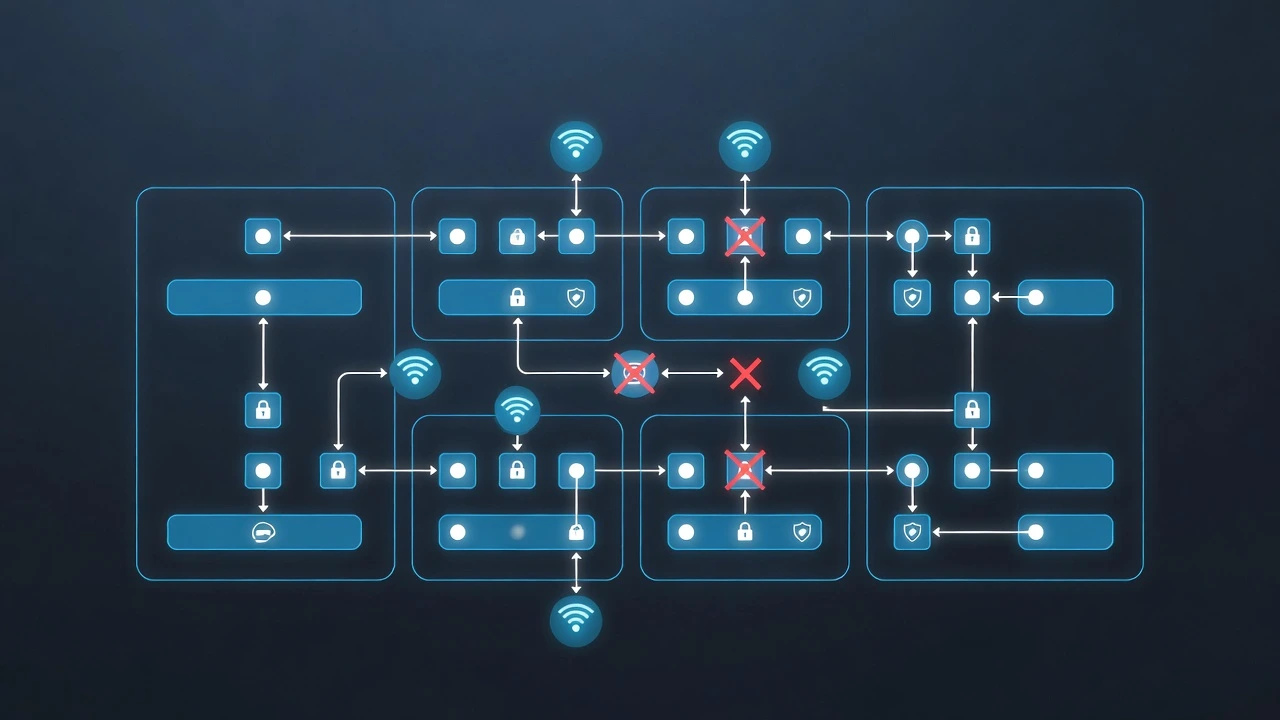
Why Reactive Security Is No Longer Enough
Many organizations rely entirely on alerts to tell them when something is wrong.
The problem? Not every attack triggers an alert.
Modern attackers are:
Slow and stealthy
Patient
Skilled at blending in with normal activity
At Bugitrix, we emphasize that defensive security must be proactive, not just reactive.
How Attackers Stay Undetected Without Monitoring
When there’s no continuous monitoring or threat hunting, attackers can:
Maintain long-term persistence
Gradually escalate privileges
Exfiltrate data in small chunks
Live inside the network for months
This is known as high dwell time, and it’s a major reason breaches go unnoticed for so long.
Common Monitoring & Hunting Gaps
| Gap | Consequence |
|---|---|
| Alert-only defense | Misses stealthy threats |
| No baseline behavior | Anomalies go unnoticed |
| No threat hunting | Hidden attackers remain |
| Limited log correlation | Fragmented visibility |
| No detection improvement loop | Same attacks repeat |
Defensive Security Best Practices (How to Fix It)
Strong defensive security combines alerts + human-driven investigation.
Threat Hunting Essentials
| Practice | Why It Works |
|---|---|
| Continuous monitoring | Reduces dwell time |
| Behavioral baselining | Highlights anomalies |
| Hypothesis-driven hunts | Finds unknown threats |
| MITRE ATT&CK mapping | Covers attacker techniques |
| Regular hunt cycles | Improves detection quality |
💡 Bugitrix Insight: Alerts find known threats. Threat hunting finds the unknown.
Why Threat Hunting Matters for Blue Teams
The best defenders don’t wait for alarms—they go looking for attackers.
Threat hunting:
Builds deep environment knowledge
Improves detection logic
Strengthens overall security posture
🚨 Mistake #9: Inadequate Security Training for Teams
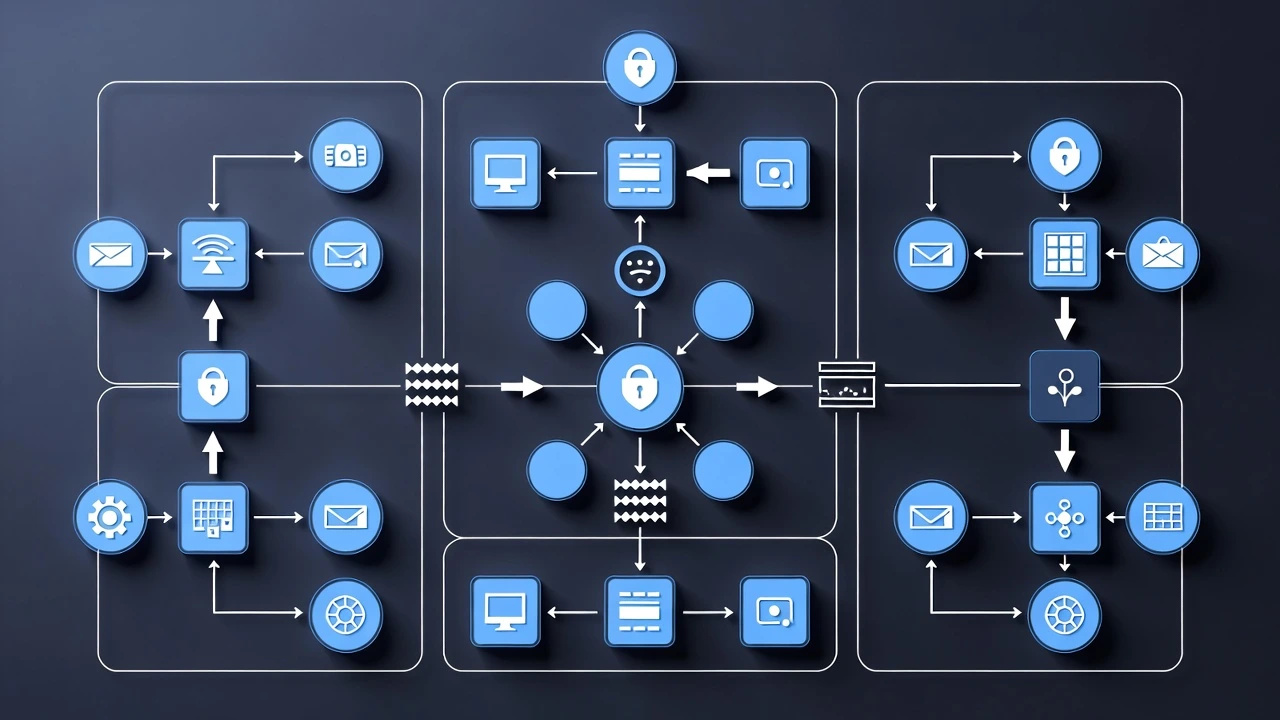
Tools Don’t Defend Systems—People Do
Organizations often invest heavily in tools but underinvest in people.
Without proper training:
SOC analysts miss critical signs
Engineers misconfigure tools
Users fall for phishing attacks
At Bugitrix, we believe trained defenders outperform expensive tools every time.
How Attackers Exploit Skill Gaps
Attackers target:
Human error
Knowledge gaps
Inconsistent procedures
They use:
Social engineering
Phishing
Misconfigurations
Weak operational practices
A single mistake by an untrained user or analyst can bypass multiple security layers.
Common Training Failures
| Failure | Impact |
|---|---|
| One-time training | Skills quickly outdated |
| No hands-on labs | Theory without practice |
| Generic training | No role-based skills |
| No simulations | Poor incident readiness |
| No learning culture | Repeated mistakes |
Defensive Security Best Practices for Training
Effective training is continuous and practical.
What Strong Training Looks Like
| Training Element | Benefit |
|---|---|
| Hands-on labs | Real-world skills |
| Role-based learning | Targeted improvement |
| Attack simulations | Better incident response |
| Phishing exercises | Reduced human risk |
| Continuous upskilling | Stronger defense |
💡 Bugitrix Tip: Defensive security skills must evolve as fast as attacker techniques.
Why Training Is a Defensive Multiplier
Well-trained teams:
Detect attacks faster
Respond more accurately
Reduce tool misconfigurations
Strengthen every security layer
Training isn’t optional—it’s a core defensive control.
🚨 Mistake #10: No Post-Incident Review or Continuous Improvement

Treating Incidents as One-Time Events
Many organizations breathe a sigh of relief once an incident is “resolved” and move on.
This is one of the most dangerous defensive security mistakes.
At Bugitrix, we stress that the real value of an incident comes after containment.
Without post-incident review:
The same attack paths remain open
Detection gaps persist
Mistakes are repeated
Defenses never mature
An incident without lessons learned is a wasted warning.
How Attackers Benefit from No Improvement Loop
Attackers often:
Reuse the same access paths
Return using similar techniques
Exploit unchanged configurations
Adapt faster than defenders
When defenders fail to improve, attackers don’t need to change tactics.
Common Post-Incident Failures
| Failure | Impact |
|---|---|
| No root cause analysis | Real problem remains |
| No detection updates | Same attacks bypass controls |
| No metrics tracking | No visibility into improvement |
| No documentation | Knowledge lost |
| No process changes | Weak defense cycle |
Defensive Security Best Practices (How to Fix It)
Strong defensive security is iterative.
Post-Incident Improvement Essentials
| Practice | Benefit |
|---|---|
| Root cause analysis | Fix real weaknesses |
| Update detection rules | Improve future detection |
| Measure MTTD & MTTR | Track effectiveness |
| Document lessons learned | Preserve knowledge |
| Improve playbooks | Faster next response |
💡 Bugitrix Insight: Every incident should make your defenses stronger—not just restore systems.
🏁 Conclusion: Defensive Security Is About Consistency, Not Perfection
Attackers succeed not because defenders lack tools—but because they miss fundamentals.
As we’ve seen, most breaches happen due to:
Poor visibility
Identity abuse
Weak response planning
Lack of monitoring
Human skill gaps
Defensive security is not about stopping every attack.
It’s about detecting faster, responding smarter, and limiting damage.
At Bugitrix, our mission is to help defenders master real-world blue team skills that actually work—not just look good on paper.
✅ Defensive Security Checklist (Quick Self-Assessment)
Use this checklist to evaluate your defensive posture:
| ✔ | Defensive Control |
|---|---|
| ⬜ | Centralized logging enabled |
| ⬜ | Alerts tuned and prioritized |
| ⬜ | Incident response plan documented |
| ⬜ | IAM with MFA and least privilege |
| ⬜ | EDR deployed on all endpoints |
| ⬜ | Asset inventory maintained |
| ⬜ | Regular patching in place |
| ⬜ | Network segmentation enforced |
| ⬜ | Continuous monitoring & threat hunting |
| ⬜ | Ongoing security training |
| ⬜ | Post-incident review process |
💡 Bugitrix Tip: If you checked fewer than 7 items, your organization is at high risk.

❓ FAQ -
❓ FAQ 1: What are the most common defensive security mistakes?
Answer:
The most common defensive security mistakes include lack of centralized logging, alert fatigue, weak identity and access management (IAM), poor endpoint detection, missing incident response plans, unpatched systems, flat networks, no threat hunting, inadequate training, and failure to learn from past incidents.
❓ FAQ 2: Why do most cyber attacks succeed despite security tools?
Answer:
Most cyber attacks succeed not because of advanced exploits, but due to basic defensive failures such as misconfigurations, ignored alerts, weak credentials, and lack of visibility. Attackers exploit gaps in people, processes, and monitoring rather than bypassing tools.
❓ FAQ 3: How can organizations improve their defensive security posture?
Answer:
Organizations can improve defensive security by centralizing logs, tuning alerts, enforcing MFA, deploying EDR, patching systems regularly, segmenting networks, conducting threat hunting, training teams continuously, and performing post-incident reviews.
❓ FAQ 4: What is the role of a blue team in defensive security?
Answer:
A blue team is responsible for defending systems by detecting threats, responding to incidents, monitoring environments, improving security controls, and reducing attack impact. Blue teams focus on visibility, response, and continuous improvement.
❓ FAQ 5: Is defensive security only about tools?
Answer:
No. Defensive security is equally about people and processes. Even the best tools fail without trained analysts, clear incident response plans, and continuous monitoring and improvement.
❓ FAQ 6: How does threat hunting improve defensive security?
Answer:
Threat hunting helps defensive teams proactively search for hidden or unknown threats that alerts may miss. It reduces attacker dwell time and improves detection capabilities by identifying new attack techniques.
results
Doesn’t interrupt content flow
🚀 Learn Defensive Security with Bugitrix
If you want to go beyond theory and build real blue team skills, Bugitrix is built for you.
What You’ll Get with Bugitrix:
Practical defensive security guides
Blue team learning roadmaps
SOC & incident response resources
Hands-on labs and simulations (coming soon)
📢 Join Bugitrix on Telegram (Free Resources)
For free cybersecurity resources, updates, and defensive security learning:
👉 Join our Telegram channel:
Get:
Free blue team resources
Learning materials
Cybersecurity updates
Community discussions
💙 Final Bugitrix Message
Defensive security isn’t about being perfect.
It’s about being prepared, visible, and continuously improving.
Stay defensive. Stay ahead.
— Team Bugitrix